
Artichoke Lamp Smart Switch: Setup Guide
A wall dimmer only works if someone is standing at the wall to turn it. Fit a smart plug or smart dimmer switch behind your Artichoke lamp replica instead, and the pendant fades to the right brightness on a schedule, at sunset, or on a single voice command, without anyone touching a switch.
- An artichoke lamp smart switch setup uses a plug-in smart plug or dimmer switch, not rewiring the fixture.
- Fixed schedules work for routine; sunset-based routines adjust automatically as daylight shifts through the year.
- A non-dimmable bulb limits you to on and off, never a smooth fade, so check the bulb before you buy the switch.
- Group the Artichoke lamp replica with other room lights in one app scene for single-tap dinner lighting.
Why this matters
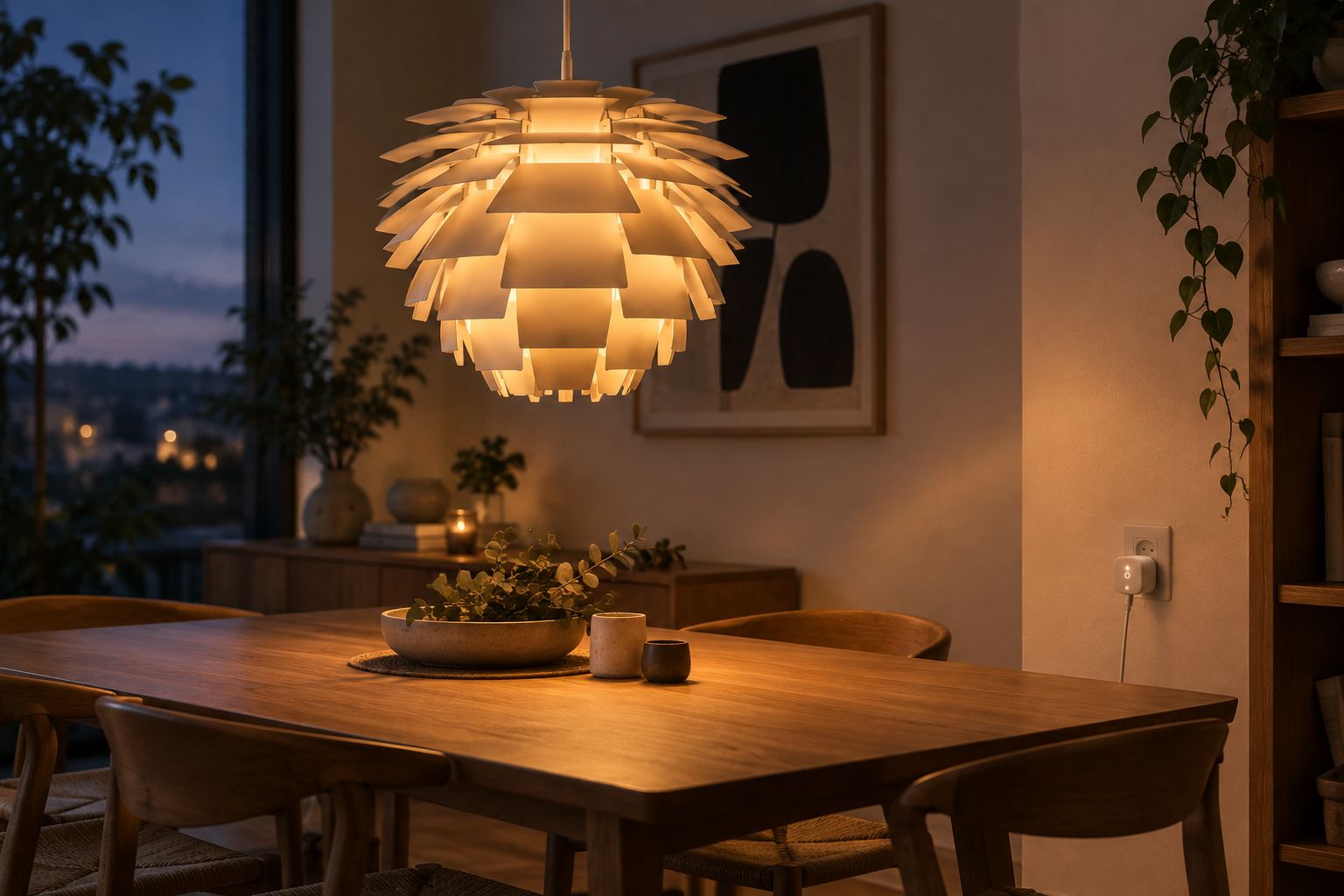
A tiered pendant like the Poul Henningsen Artichoke lamp replica buyer's guide covers works best over a dining table when the light shifts from bright task lighting to a low, warm glow for the evening. Doing that by hand means someone gets up mid-meal to adjust a dial. Automating it with a smart plug or dimmer switch removes that step entirely and lets the lamp match the room's mood on its own.
This matters more for a statement pendant than a regular ceiling light. The Artichoke shape reads differently at full brightness than at 20 percent, and getting that transition right, consistently, is the whole point of automating it.
Before you start
- A dimmable bulb rated for the fitting. Check the bulb type on your fixture before buying a smart bulb or dimmer plug; a fitting built for a standard LED won't dim smoothly with a non-dimmable bulb installed.
- A 2.4GHz Wi-Fi network. Most consumer smart plugs and dimmer switches only pair on the 2.4GHz band, not 5GHz-only networks, so confirm your router broadcasts both before setup.
- The gotcha: a basic smart plug gives you on and off, nothing gradual. If you want the lamp to fade rather than snap to brightness, you need either a dimmer-rated smart plug paired with a dimmable bulb, or a smart bulb that handles dimming on its own. Sort this out before you buy, not after the plug is already fitted.
Choose the right smart control for your Artichoke lamp replica
Three options cover almost every setup:
- A basic smart plug — cheapest, gives on/off and scheduling, no dimming.
- A smart dimmer plug or in-line dimmer switch — adds gradual fade, works with any dimmable bulb already in the fixture.
- A smart bulb — the bulb itself handles dimming and colour temperature, no separate switch needed, but it has to fit the Artichoke lamp replica's socket and shade clearance.
If the pendant is doing double duty over a dining table and you want it to ease from bright to low rather than jump, a smart dimmer plug or a dimmable smart bulb is the right call. A plain smart plug is fine if you only need it to turn on and off at set times.
Set up the smart plug or switch
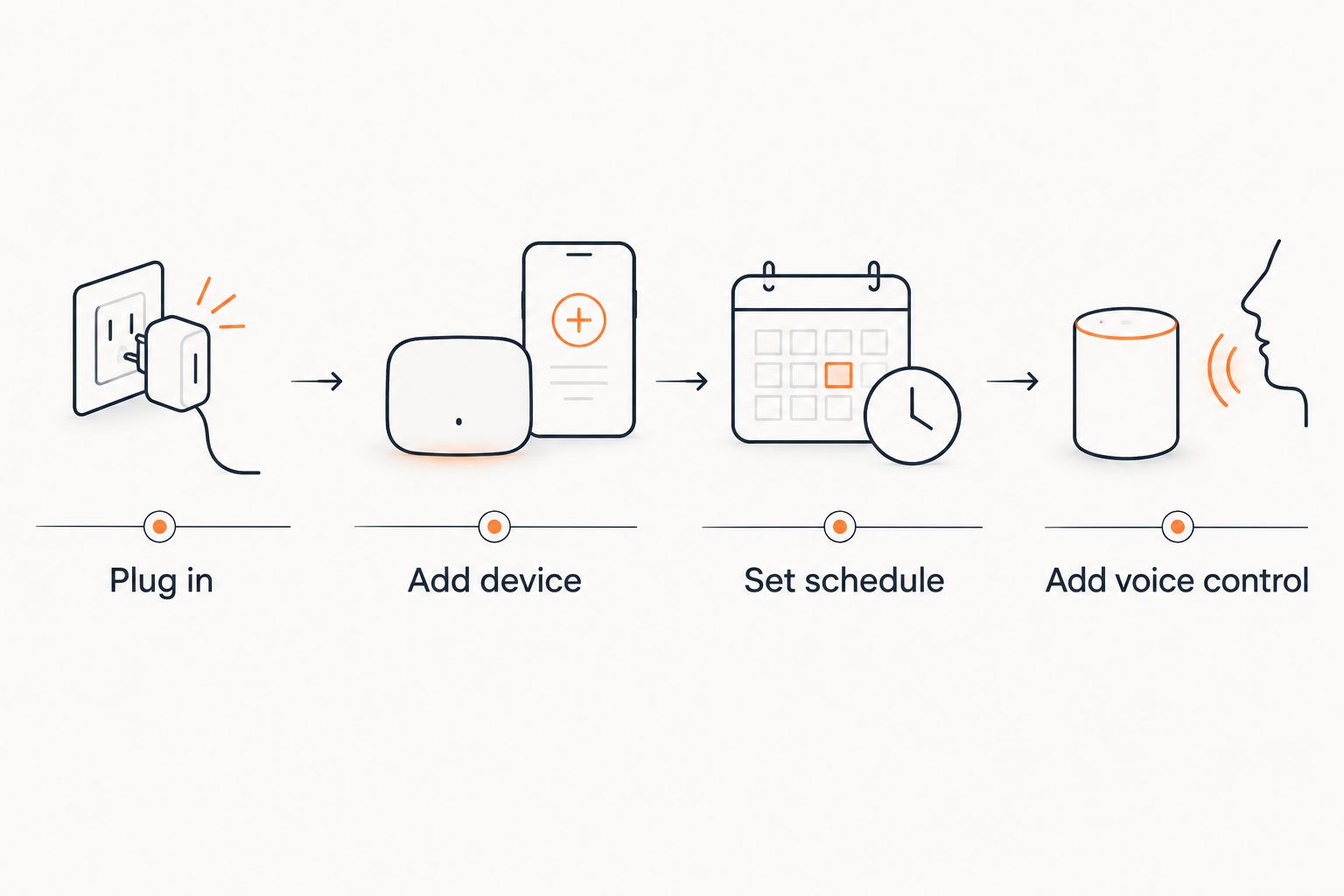
- Plug the smart plug into the wall socket that powers your Artichoke lamp replica, then plug the lamp into the smart plug.
- Open the plug's companion app and tap Add Device, or the equivalent option in your chosen app.
- Connect the plug to your 2.4GHz Wi-Fi network when prompted.
- Rename the device something specific, like "Dining pendant" or "Artichoke lamp," so voice commands and routines are easy to target later.
Expected result: the device shows as online in the app, and you can toggle the lamp on and off from your phone from anywhere on the network.
Configure the dimming schedule
- In the app, create a new automation or routine — usually labelled Add Automation or New Routine.
- Set the trigger to a fixed time, for example 18:30 on weekdays.
- Set the target brightness level as a percentage rather than a full on/off toggle, if your plug or switch supports dimming.
- Save the routine and give it a name like "Dinner glow."
Expected result: the Artichoke lamp replica fades to the set brightness automatically at the scheduled time, with no manual input.
Add voice control (optional)
Most smart plug and dimmer apps link to Google Home, Amazon Alexa, or Apple Home. Once linked, name the device consistently across both apps, then test with a simple command like "turn on the dining pendant" or "set dining pendant to 20 percent." This is optional, but it saves reaching for a phone mid-dinner if the schedule doesn't quite match the moment.
Dim by sunset instead of a fixed clock time
A fixed 18:30 trigger works in December and looks wrong in June. Most smart home apps offer a sunset-based trigger instead of a clock time — the routine reads your location and adjusts automatically as sunset shifts earlier or later through the year.
- Edit the existing routine and change the trigger type from Time to Sunset (or Sunset +/- offset if your app supports it).
- Add an offset if you want the lamp to come on 15 or 30 minutes before actual sunset rather than exactly at it.
- Save and let the app handle the rest — no manual clock resets needed as the seasons change.
This variant suits an Artichoke lamp replica used mainly for evening ambience rather than a fixed dinner slot, since it tracks daylight instead of the calendar.
Troubleshooting
- Lamp only turns fully on or off, never dims. A non-dimmable bulb is installed. Swap it for a dimmable LED rated for the fitting.
- Device shows offline after a router change. Re-run setup and reconnect specifically to the 2.4GHz band; many plugs won't rejoin a 5GHz-only network automatically.
- Voice assistant doesn't recognise the device name. Rename it in the smart plug app first, then re-sync the voice assistant integration so the new name propagates.
- Routine fires at the wrong time. Check the timezone setting inside the app itself, separate from your phone's system timezone.
- Visible flicker at low dim levels. Some LED drivers can't hold a stable output below roughly 10 percent. Raise the minimum brightness in the app rather than trying to dim lower.
“If a routine still needs someone to touch the wall switch, it isn't automated yet.”
Customize your workflow
Once the dining pendant is running on its own schedule, extend the same setup to other rooms rather than stopping at one lamp. Group the Artichoke lamp replica with a floor lamp or wall light into a single scene so one tap or one voice command sets the whole room, not just the pendant. If you're still deciding on fixture size or finish before adding a second lamp, the artichoke lamp replica size and finish guide and the guide on choosing the right Artichoke lamp size cover how ceiling height and table size affect which size to buy next.
Shop pendant lighting at Mobelaris
Browse the full Mobelaris lighting range before you add a second smart-controlled fixture.
FAQ
What's the best way to set up an artichoke lamp smart switch?
A smart dimmer plug paired with a dimmable bulb is the most reliable way to add an artichoke lamp smart switch without rewiring the fixture. It plugs into the existing wall socket and controls the lamp through an app.
Do I need to rewire my Artichoke lamp replica to automate it?
No. A plug-in smart plug or dimmer switch controls the lamp through the existing wall socket, so no rewiring is needed for most setups.
Can I use a smart bulb instead of a smart plug?
Yes, if the bulb fits the fixture's socket and shade clearance. A smart bulb handles dimming and scheduling on its own, without a separate plug or switch.
Will any smart switch dim any bulb?
No. Dimming only works smoothly with a bulb rated as dimmable. A non-dimmable bulb paired with a dimmer switch will still only turn fully on or off.
How do I schedule an Artichoke lamp replica to turn on at sunset?
Switch the automation trigger in your smart home app from a fixed clock time to a sunset trigger, adding a time offset if you want the lamp on slightly before or after actual sunset.
Can voice assistants control an artichoke lamp replica pendant?
Yes, once the smart plug or switch is linked to a voice assistant like Google Home, Amazon Alexa, or Apple Home, you can turn the lamp on, off, or to a set brightness by voice.
One last thing
The most common reason a dimming routine gets abandoned isn't the switch, it's the trigger. A fixed clock time drifts out of sync with the seasons within a few months, and people quietly go back to the wall switch rather than keep editing the schedule. Set the sunset trigger from the start and the Artichoke lamp replica stays on the right rhythm without any maintenance.