
Arco Floor Lamp Smart Plug Pairing Guide (2026)
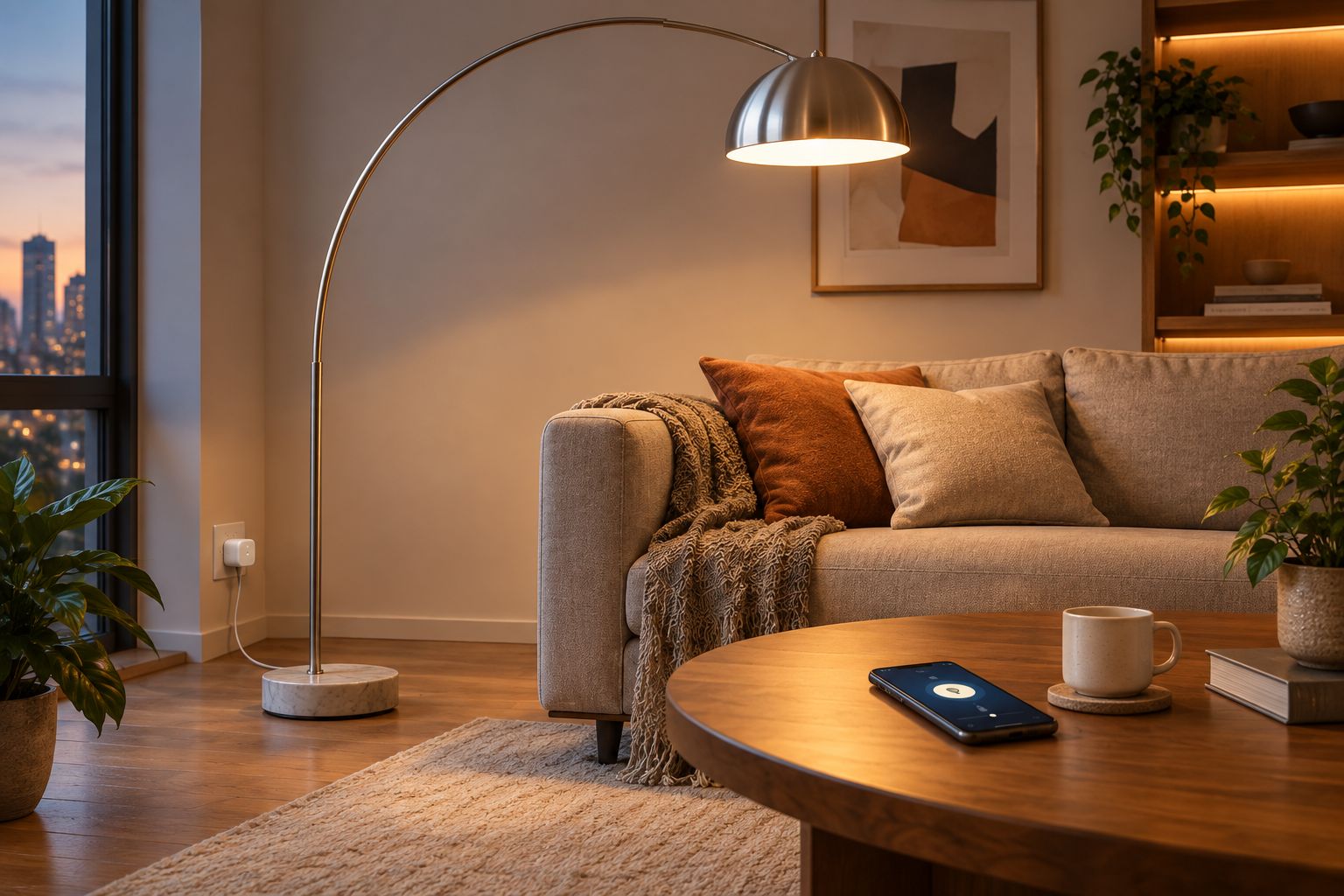
An Arco floor lamp replica standing in the corner of a living room usually gets switched on by hand, every single evening, at the base or partway up the cord. Pair it with a smart plug once in 2026 and the lamp turns on at dusk, off at bedtime, or on a voice command, with no rewiring and no change to the lamp itself.
- An Arco floor lamp smart plug setup needs no rewiring: plug the smart plug into the wall, then plug the lamp into the smart plug.
- Leave the lamp's own switch in the on position first - this is the single most common cause of a smart plug that 'doesn't work' in 2026.
- Most smart plugs need a 2.4GHz Wi-Fi network; a 5GHz-only router will fail to pair no matter how many times you retry.
- Sunset-to-sunrise scheduling adjusts automatically through the year, unlike a fixed clock schedule that drifts out of sync with daylight.
- Browse the Arco floor lamp replica range at Mobelaris (https://mobelaris.com/) before setting up automation, so the plug matches the lamp's plug type.
Why this matters
The classic Arco-style design places a long arc arm over a sofa or table, with the base and switch tucked away from the seating area on purpose. That's great for the silhouette and terrible for anyone reaching for a foot switch in the dark. A smart plug moves the on/off control to a phone, a voice command, or a schedule, and it does that without touching the lamp's cord, socket, or base.
This matters more in 2026 than it did a decade ago, because most smart plugs on the market now pair in under two minutes and cost less than a single bulb replacement cycle. The setup below works for any Arco-style floor lamp replica with a standard on/off switch, not just one specific model.
Before you start
- Check the plug type on your smart plug matches your wall socket and the lamp's plug - mismatched pin types mean a return, not a fix, mid-setup.
- Have your 2.4GHz Wi-Fi network name and password ready. A large share of smart plugs on the market in 2026 still pair only over 2.4GHz - if your router broadcasts a single combined 5GHz network, pairing fails silently.
- The gotcha: leave the Arco floor lamp replica's own switch in the "on" position before you start. The smart plug only cuts and restores power at the socket - if the lamp's own switch is off, the plug can toggle all it wants and nothing will happen at the lamp head.
Working through this list before you touch the app saves a wasted half hour later. Browse the Arco floor lamp replica range if you're still deciding on the base finish before wiring anything.
Set up the smart plug on your Wi-Fi network
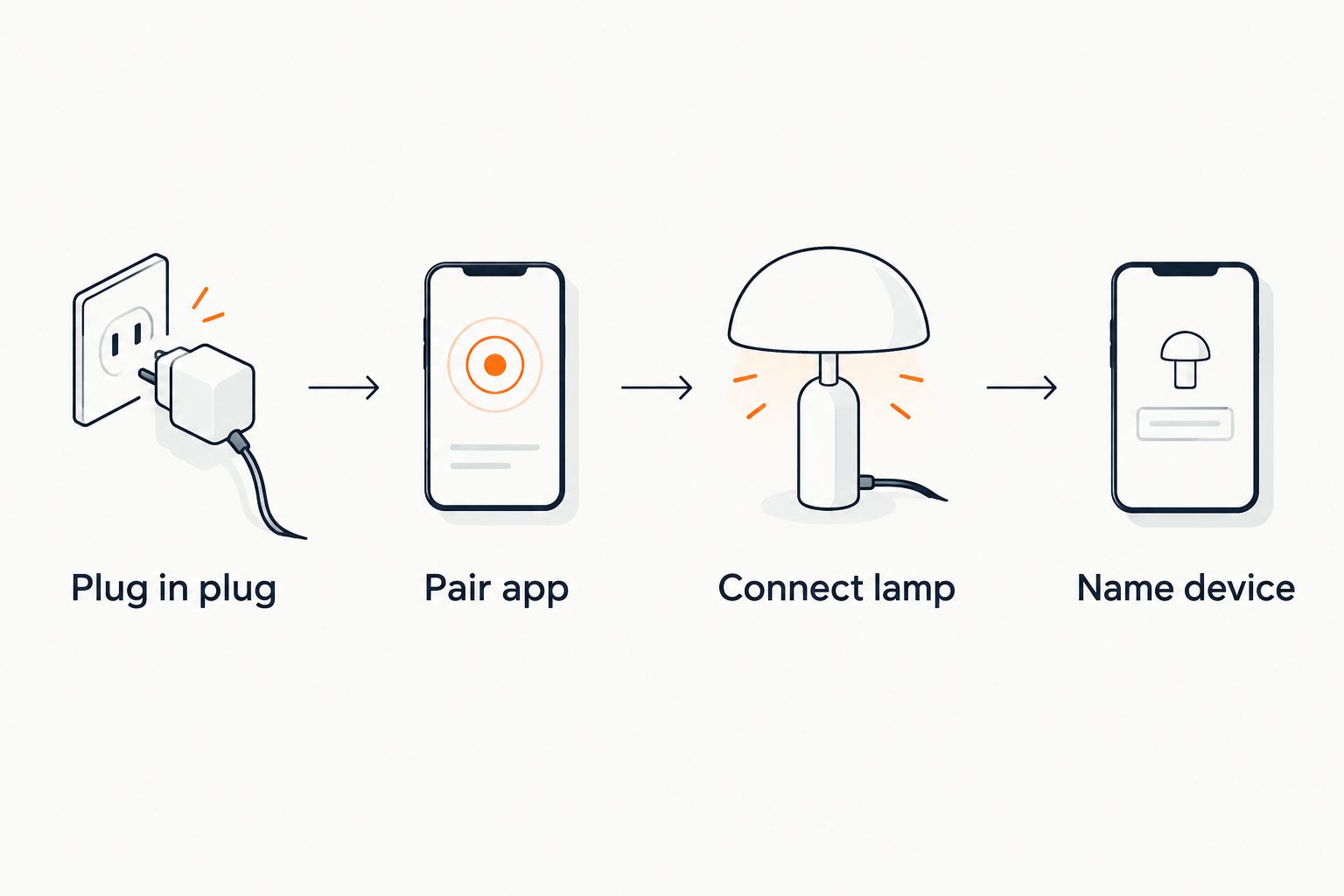
- Plug the smart plug directly into the wall socket nearest the lamp base - avoid extension leads, since some plugs won't pair through them.
- Open the plug's companion app and tap Add Device (sometimes shown as a + icon).
- Select Smart Plug or the specific model from the device list, then follow the in-app pairing prompt - usually holding the button on the plug for several seconds until the indicator light starts flashing.
- Enter your 2.4GHz Wi-Fi credentials when the app asks, and wait for the confirmation screen reading something like "Device connected" or "Setup complete."
Expected result: the app shows the plug as online with a solid (not flashing) status indicator.
Connect the Arco lamp replica to the plug
- Plug the Arco floor lamp replica's cord into the smart plug's outlet socket.
- Confirm the lamp's own physical switch is set to on - this is the gotcha from the checklist above, worth a second look here.
- In the app, tap the device tile and toggle it off, then on, to confirm the lamp responds within a second or two.
Expected result: the lamp turns fully on and off from the app, matching the toggle state on screen.
Name and group the device
- Rename the device from its default plug name to something specific, such as "Living Room Arco Lamp" - this matters once you add a second or third smart plug to the same app.
- Assign the device to a room group if your app supports rooms, so it appears alongside other lighting in that space.
Expected result: the lamp shows up under its named room in the device list, not as an unlabelled plug.
Automate by sunset instead of a fixed clock time
A fixed schedule set for, say, 6pm drifts out of sync with the seasons - in winter it fires after dark has already fallen, in summer it fires while the room is still bright. Most smart plug apps built in 2026 offer a sunset-to-sunrise automation option that recalculates daily based on the plug's set location.
- Open the device's schedule or automation tab in the app.
- Choose the sunset-based trigger option if the app lists one, rather than a fixed time.
- Confirm location services are enabled for the app, since the sunset calculation depends on it.
Expected result: the lamp turns on automatically around dusk and off at a time you set for bedtime, adjusting itself through the year without you touching the schedule again.
Troubleshooting
- App shows "device offline": the router is broadcasting 5GHz-only, or the plug dropped off the network after a router reboot - reconnect it to the 2.4GHz band specifically.
- Lamp doesn't turn on when toggled from the app: the lamp's own switch is off at the lamp head. Flip it on once and control power from the plug going forward.
- Sunset schedule never fires: location permissions were denied for the app, so it can't calculate local sunset - re-enable location access in the phone's settings.
- Voice assistant can't find the device: the smart plug's skill or link hasn't been added in the voice assistant's own app yet, separate from the plug's own app.
- Lamp doesn't dim, only switches fully on or off: a standard smart plug controls on/off power only - dimming needs a dimmer-capable plug or a physical dimmer, not the basic on/off type.
Customize your workflow
Once one Arco floor lamp replica is running on a smart plug, the same setup extends easily. Group two lamps under one schedule for a room with matching lighting either side of a sofa, or pair the automation with a routine that also adjusts a smart blind. For placement ideas once the lamp is running on its own schedule, the floor lamp styling guide for minimalist rooms covers where the arc arm reads best against plain walls, and the reading corner floor lamp picks guide is worth a look if the same automation approach is going into a second lamp nearby.
FAQ
Can a smart plug dim an Arco floor lamp replica?
No, a standard smart plug only switches power fully on or off. Dimming needs a dimmer-capable smart plug or a physical inline dimmer instead.
Does a smart plug work with any floor lamp?
Yes, as long as the plug type matches your socket and the lamp has its own on/off switch left in the on position. The smart plug controls power at the wall, not inside the lamp.
Do I need a hub to use a smart plug in 2026?
Most smart plugs sold in 2026 connect directly over Wi-Fi and need no separate hub. Check the plug's own packaging or app if you're unsure before buying.
Can I control an Arco floor lamp replica with a voice assistant?
Yes, once the smart plug is linked to the voice assistant's own app as a separate step from pairing the plug to its own app.
Will a smart plug damage the lamp over time?
A smart plug cycles power the same way flipping a wall switch would, so it introduces no additional strain on the lamp beyond normal on-off use.
What's the difference between a fixed schedule and sunset automation?
A fixed schedule fires at the same clock time every day regardless of season. Sunset automation recalculates the trigger time daily based on actual local sunset.
One last thing
The most common support complaint with any lamp-and-smart-plug setup in 2026 isn't a Wi-Fi problem - it's the lamp's own switch left off after someone moves the lamp to vacuum or rearrange furniture. Check that switch first before troubleshooting anything else; it resolves the issue more often than a router reset does.